Import existing memory
Start with the notes your clients already have.
Creating a shared memory store should not mean starting from an empty page. Find existing native Markdown notes, check which project they belong to and import the knowledge you choose into Hub.
Discovery is read-only. Import needs a registered project and a reviewed plan.
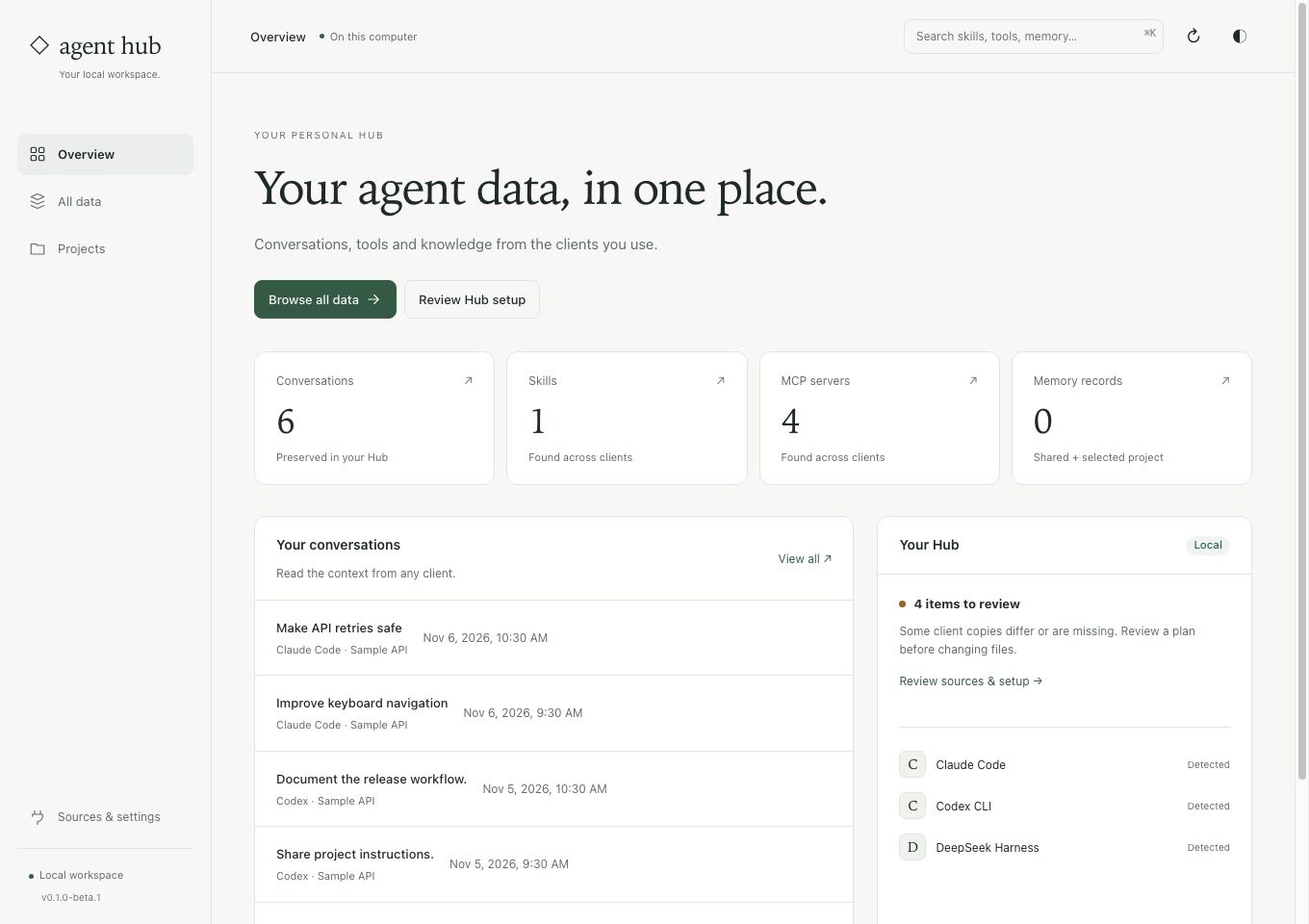
Inspect the source before giving it a new scope.
Source discovery
Inspect supported memory locations, physical paths and available checkout evidence. Ambiguous sources remain unresolved until you make an explicit choice.
Selected knowledge
Import supported Markdown collections, including knowledge inside MEMORY.md. Local navigation links do not automatically become durable facts.
Source preservation
Original client notes remain in place. Hub records source bindings so an unchanged repeat import need not create duplicate records.
Discover, associate, then import.
Select the project
Open the registered project’s memory view. Use Find existing client memory to inspect candidates and their supported formats.
Check each source
Confirm the physical folder and project association. Keep a collection containing several unrelated projects out of a single project’s memory.
Review the import
Read the preview before applying. Choose one-time import or reviewed follow-up policy deliberately; later native changes need active hooks, a watcher or another scan.
Before you start
Can Hub read a native SQLite memory database?
Discovery can report unsupported databases, but import does not silently convert SQLite or graph formats. Export the knowledge you choose to supported Markdown first.
Does following a source install automation hooks?
No. Following adds a source to the enabled project policy. Lifecycle hooks and their native permissions are separate; a one-time import does not promise continuous updates.
Import one small source with a clear project match.
The memory guide explains discovery, ambiguous associations, supported formats and follow-up policies.
See the steps ↗