Organize coding projects
See which projects your conversations belong to.
Chats started from a repository, a worktree and a nested folder can look like unrelated work. Hub groups recorded working locations so you can browse conversations by project and inspect the paths behind a match.
Recorded folders are evidence of where a chat ran. They do not automatically grant access to that project.
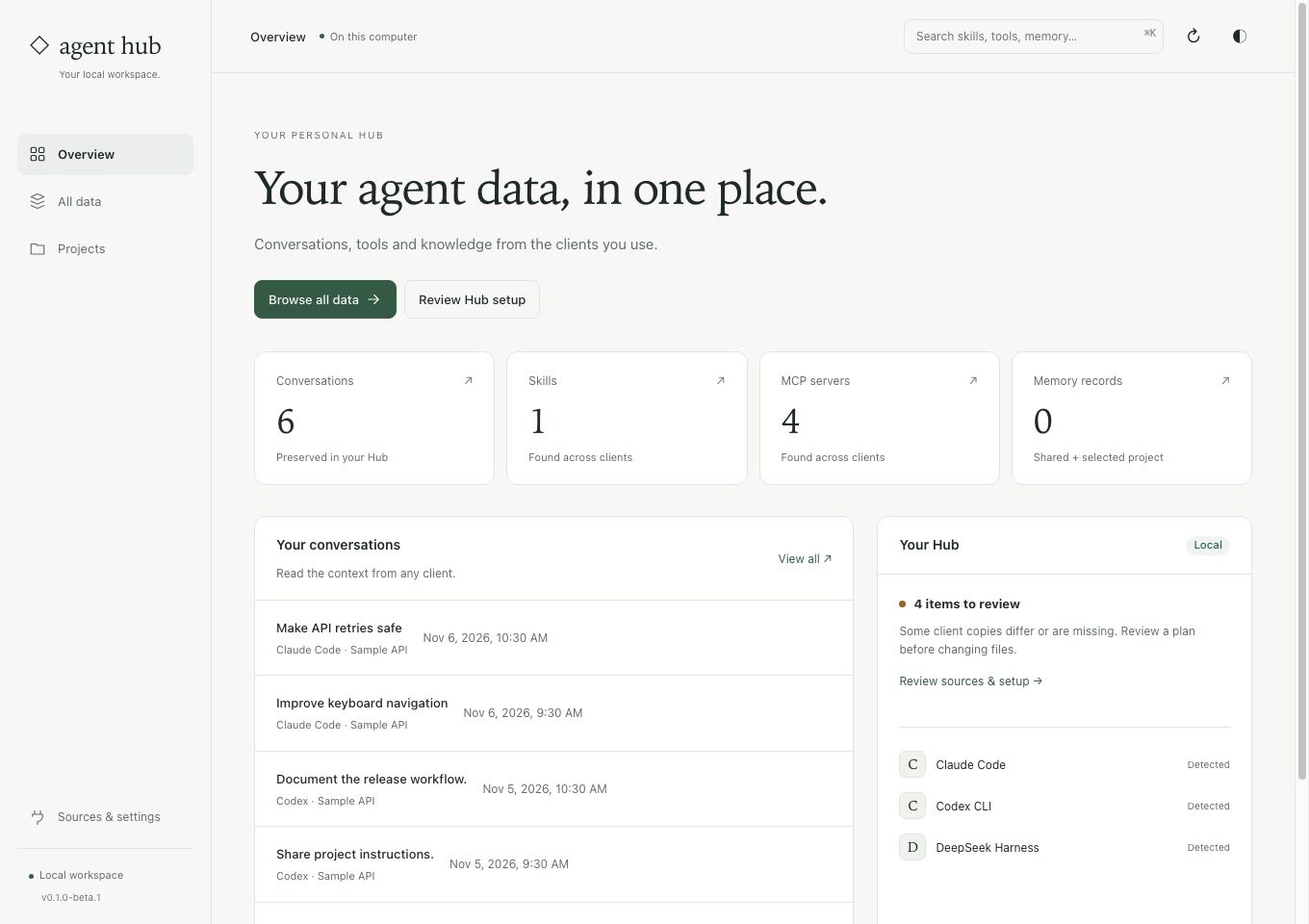
Keep discovery and permission separate.
One visible project root
Project cards show a recorded root and conversation count. Related folders stay available in details instead of filling the main list.
Repository relationships
Hub can group verified repository and worktree relationships. Ordinary and missing historical folders remain identifiable rather than being silently discarded.
Project-scoped browsing
Use a project to narrow the archive. Connecting project memory or granting a client archive access is a separate reviewed action.
Go from a folder name to its recorded work.
Capture supported history
Select the native stores you want to save. Project associations come from source metadata available in the captured chats.
Inspect a project group
Open Projects, check the displayed root and expand related locations. A familiar name alone is not proof that two folders are the same project.
Choose the next action
Read the associated chats, or review project memory and access settings if needed. Browsing does not silently install project hooks.
Before you start
Does project discovery read every file in my repositories?
It uses supported client and chat metadata plus checked repository relationships. It is not a recursive content index of every project file.
What happens if a working folder no longer exists?
Historical locations can still be shown with an unavailable status. Hub does not fabricate a current checkout or grant access based on an old path.
Open a project and check its related folders.
The chats and projects guide explains source associations, worktrees, archive access and the boundaries of discovery.
See the steps ↗