LOCAL CHAT HISTORY
Find the answer you already worked out.
You remember solving it. You cannot remember which client you used. Search saved Claude Code, Codex and DeepSeek Harness messages in one place, then open the original conversation.
Local storage. Selected sources. Original files stay with their clients.
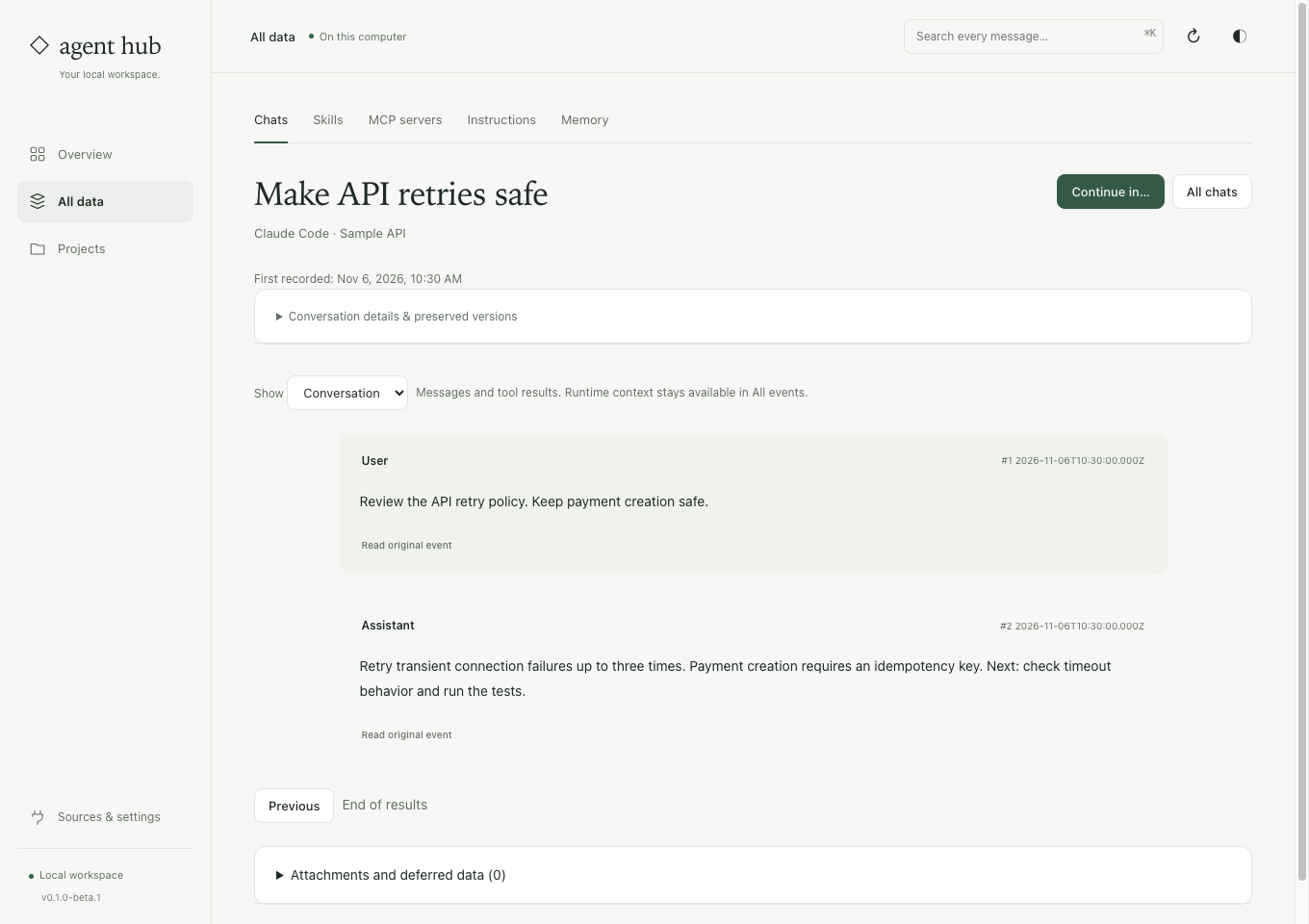
Keep the evidence with the answer.
Search the messages
Find a phrase from a problem, a decision or tool output. You do not need to remember a chat title.
Check the original
Read surrounding messages and native events. Preserved versions let you inspect the record you actually saved.
Keep selected sources current
Optional background updates check your selection every 30 seconds, even after the Hub interface closes.
From scattered history to a saved answer.
Choose the stores
After setup, open Chats and select the supported local history stores you want Hub to read.
Save and check coverage
Save chats to Hub. Check source results and warnings about unsupported events or missing attachments.
Find and reuse
Search an error or decision. Open the chat, download preserved source or prepare context for another client.
Before you start
Does it import every chat account?
No. Hub reads supported local Claude Code, Codex and DeepSeek Harness formats. It does not recover deleted files or import every cloud account.
Is this a complete computer backup?
No. The archive stays on this computer by default. Referenced attachments may be missing. Use your normal private backup to protect against device failure.
Try one conversation you remember.
Save one selected source and find an earlier answer. The guide covers capture, search, export and coverage checks.
See the steps ↗Other things you can do
Continue in another client
Carry reviewed excerpts and source references into a new native chat.
Share MCP settings
Choose a trusted definition and review delivery to your native clients.
Reuse skills and instructions
Share complete skill bundles while keeping personal client notes.
Compare with Hansard
Choose around your workflow, supported clients and practical limits.