SHARED SKILLS & INSTRUCTIONS
Keep useful skills in one place.
A skill you improve for one client should be easy to reuse in another. Collect local skill bundles in Hub, link selected clients to them and deliver a small set of common instructions.
Local bundles only. Import and delivery do not execute skill scripts.
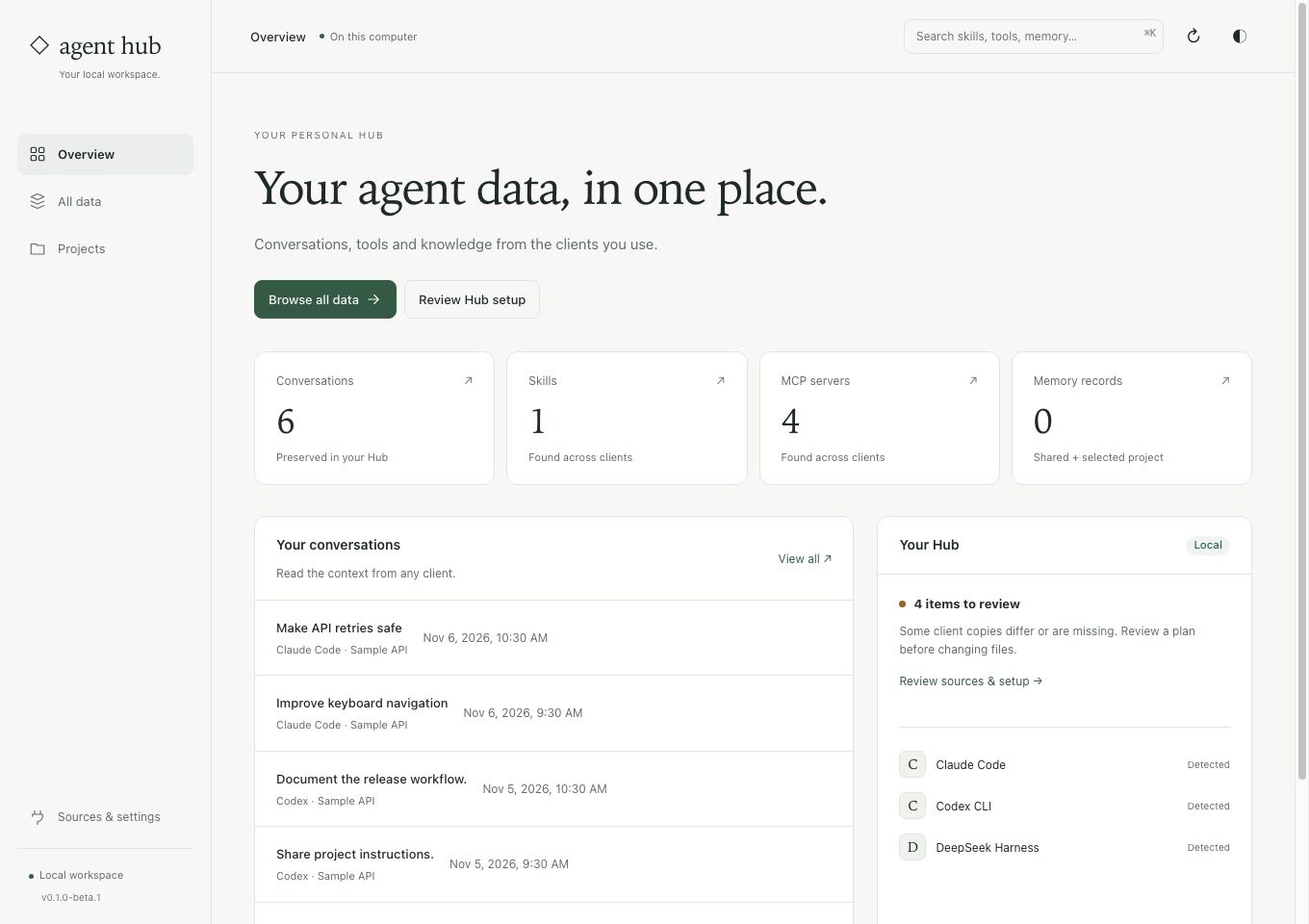
Share the files that belong together.
Complete bundles
Keep references and assets with the skill. Import copies the local bundle instead of extracting only its main text.
Individual skill links
Delivery links selected Hub bundles into supported user roots. Unrelated skills and client-owned plugin scopes remain in place.
Common rules, personal notes
Instruction delivery updates its managed block. Your personal text outside that block is preserved.
Collect, deliver, check.
Preview an import
Review supported local skills or add your own local bundle. Resolve different copies with the same name explicitly.
Review delivery
Check the clients and physical directories affected. Skills and common instructions have separate delivery previews.
Check the client catalog
Restart the affected client and confirm it sees the skill. A link alone does not prove the agent has invoked it.
Before you start
Do shared instructions update like linked skills?
Not in every client. Skill links point at Hub bundles. Copied instruction blocks need another reviewed context sync after the shared rules change.
Does this merge every client’s memory?
No. Shared instructions and the existing shared memory index have a specific scope. Project memory and chat capture are separate workflows.
Share one skill you already trust.
Start with a small local bundle. The guide covers source conflicts, client roots, metadata and recovery.
See the steps ↗Other things you can do
Find an old chat
Search saved messages across clients and read the original answer.
Continue in another client
Carry reviewed excerpts and source references into a new native chat.
Share MCP settings
Choose a trusted definition and review delivery to your native clients.
Compare with Hansard
Choose around your workflow, supported clients and practical limits.