SHARED MCP CONFIGURATION
One MCP definition. The clients you choose.
Stop maintaining the same server definition in several client configs. Collect the copy you trust into Hub, then review its delivery to Claude Code, Codex or DeepSeek Harness.
Reviewed changes, per-server choices and recorded recovery. Client permissions still apply.
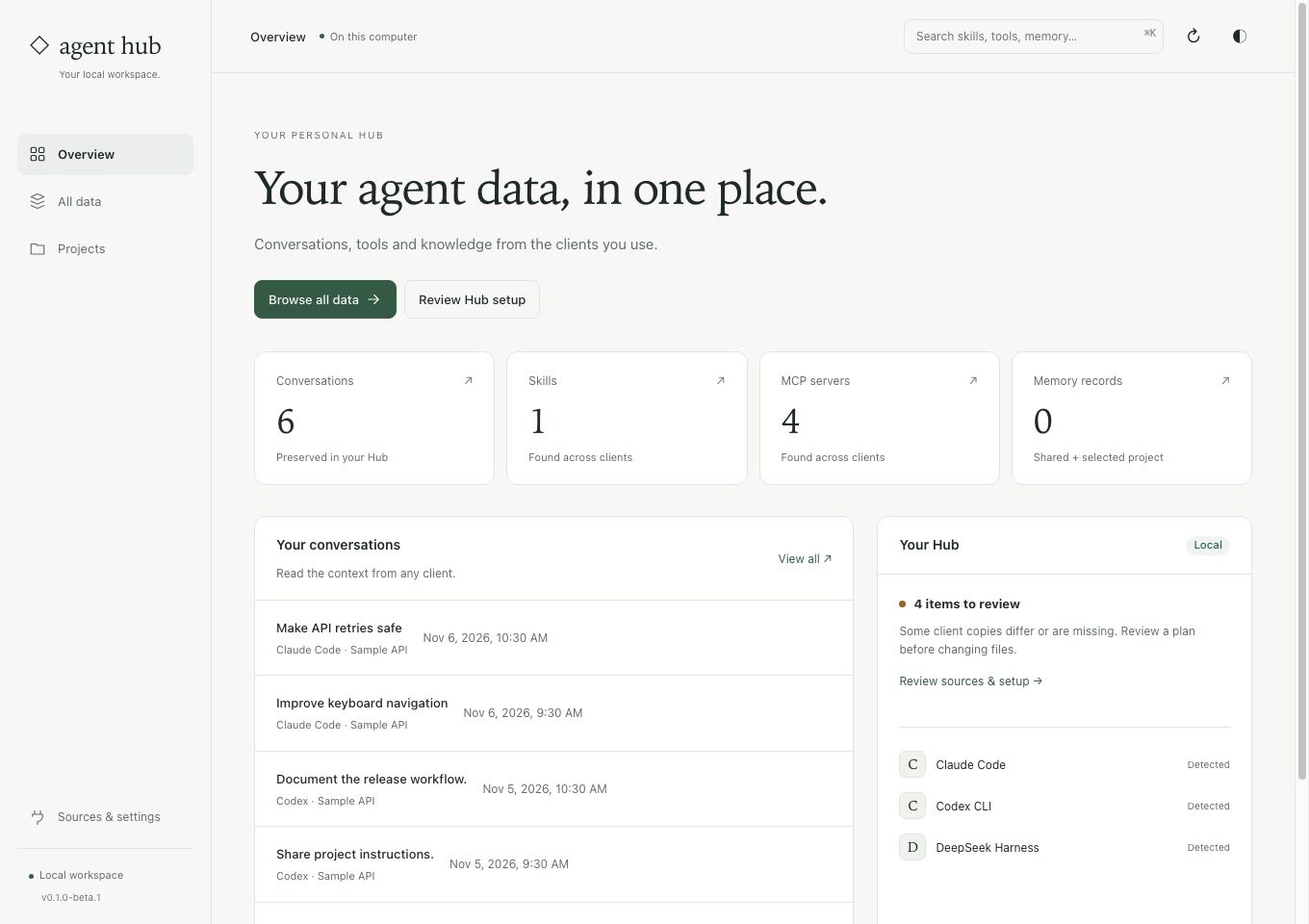
Know which copy each client uses.
Compare before replacing
A matching server name does not prove its credentials or arguments match. Inspect differences and choose the intended source.
Keep unrelated settings
Per-server delivery changes the selected entry. Existing Hub launchers are recognized instead of appearing as false configuration conflicts.
Test a real connection
Run a separate connection check to discover tools. A matching configuration alone does not prove the backend is available.
Share one server first.
Inspect the existing copies
Open MCP servers in Hub and compare the trusted Hub and client definitions.
Review the direction
Import a client copy into Hub, or deliver Hub settings to one client. Each action opens its own preview.
Apply and verify
Apply the reviewed change, restart the affected client and test the connection when ready.
Before you start
Does every client share one running server?
Not necessarily. Hub shares configuration and client-specific launchers. It does not combine provider subscriptions or guarantee a single shared process.
What if a client copy is intentionally different?
Keep that client’s settings. Hub does not silently pick a winner for real differences. Recovery is recorded, but later edits can block an unsafe rollback.
Use one harmless server as your first check.
The guide explains import, delivery, connection testing and recovery before you change the rest of your setup.
See the steps ↗Other things you can do
Find an old chat
Search saved messages across clients and read the original answer.
Continue in another client
Carry reviewed excerpts and source references into a new native chat.
Reuse skills and instructions
Share complete skill bundles while keeping personal client notes.
Compare with Hansard
Choose around your workflow, supported clients and practical limits.