Export a saved conversation
Take the saved source, or just the context you need.
Sometimes you need the original session record. Sometimes you only need enough context to continue a task. Hub offers preserved-source downloads and a separate reviewed context packet, with different limits.
A source download and a context packet are different outputs. Review private content before sharing either.
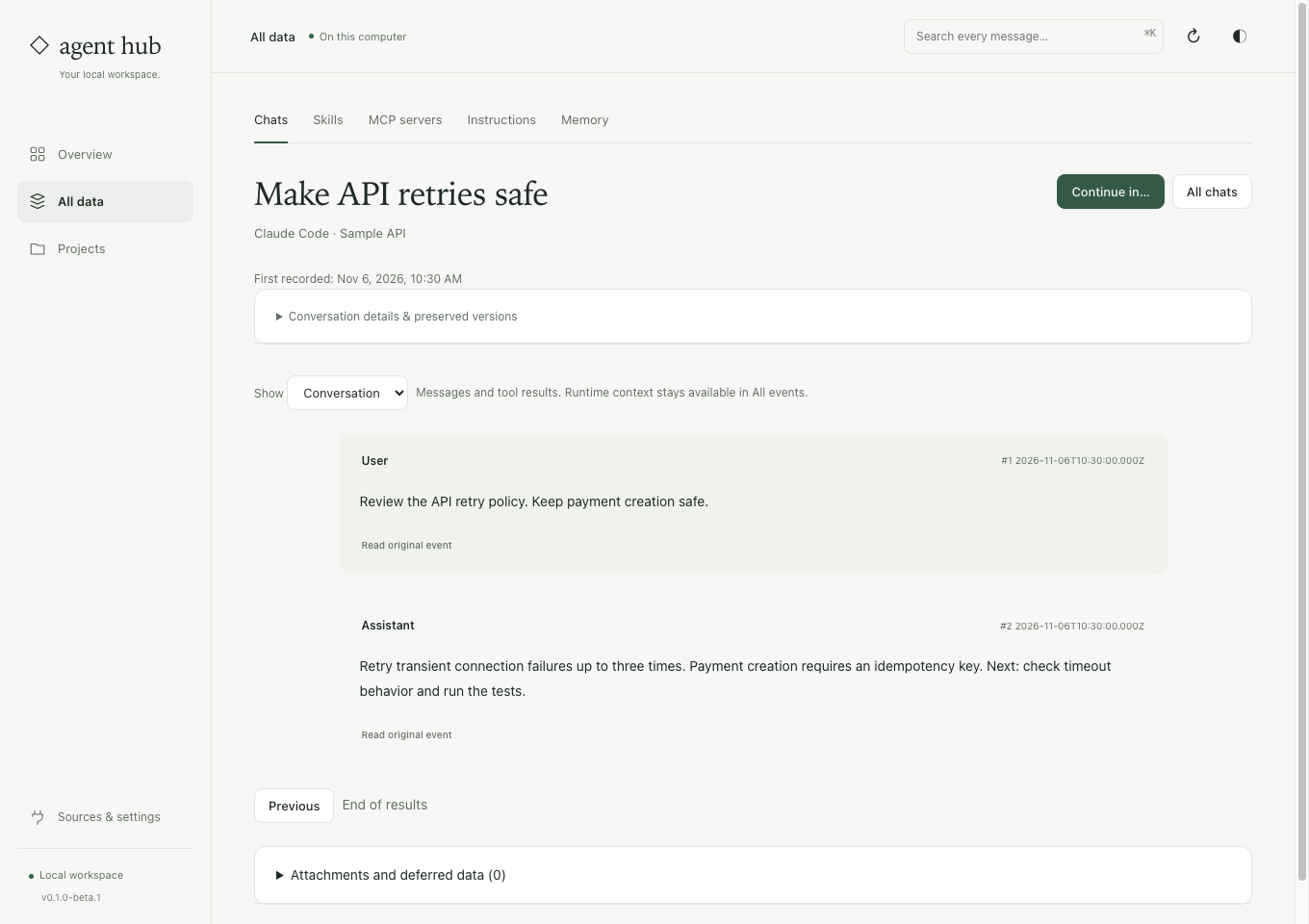
Choose an output that fits the job.
Native source download
Download the source bytes for a selected preserved version. Keep native fields and tool events available for inspection in their original format.
Readable context excerpts
Use Continue in… to prepare bounded original-message excerpts for a new client. The packet includes source references and explains omissions.
Exact version selection
Inspect Conversation details & preserved versions before downloading. A later capture may contain different messages from the version you originally checked.
Export from a conversation you have inspected.
Find and open the chat
Search the saved archive, confirm the client and project, and read the surrounding messages. Check the conversation’s preserved versions.
Choose the output
For native bytes, select Download preserved source. For a new conversation, use Continue in… and inspect the context preview.
Keep the file in its intended scope
Store a source download privately. Paste a context packet only into the intended client and ask it to verify current files before continuing.
Before you start
Does this create a Markdown export of every event?
No. The preserved-source download returns native source bytes. The context packet is readable text, but it is deliberately bounded and may omit messages and tool output.
Can another client resume the source file directly?
Do not assume native session formats are interchangeable. Start a new chat with reviewed context; provider state, live processes and native permissions stay with their original client.
Pick the preserved version before downloading.
The search guide shows where source downloads live and how to inspect original events and coverage.
See the steps ↗