Search tool results
Find the test output behind an old answer.
You remember a failing test, command output or an unusual error. It may be hidden inside tool details rather than the final answer. Search the preserved events and open the evidence around the result.
Text search over available preserved data. Hidden, deleted or unsupported content cannot be invented.
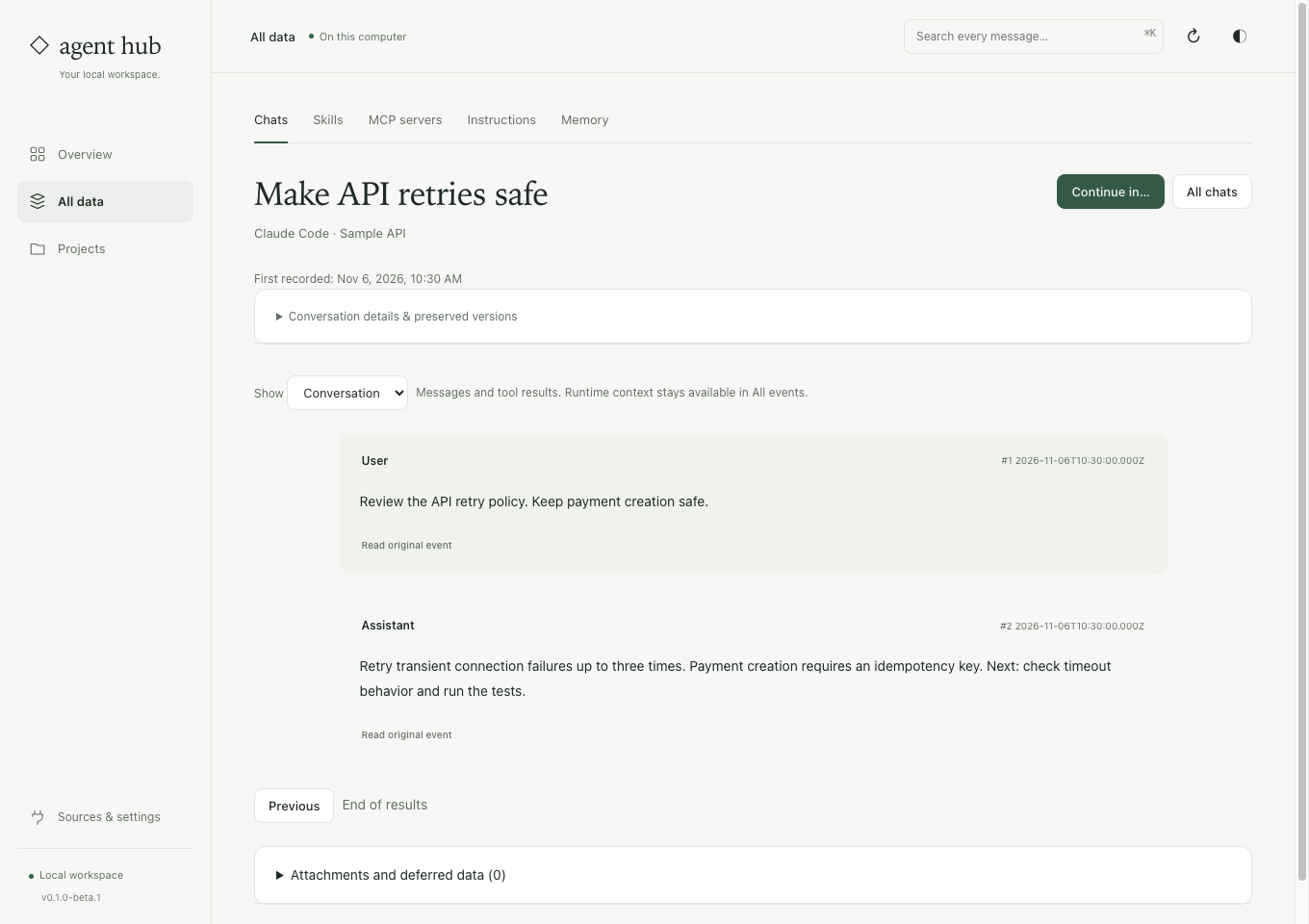
Read the result in its original context.
Search beyond titles
Try a distinctive error string, test name or path fragment. You do not need to know which client produced the output.
Expand technical details
Conversation view keeps tool and runtime details quieter. Open All events or Read original event when the readable message view is not enough.
Check what succeeded
A proposed command is not a completed action. Read the recorded result and surrounding replies before treating an old suggestion as a verified fix.
Start with a specific fragment.
Check capture coverage
Save the selected history stores and inspect incomplete or unsupported event warnings. An index can only search the data available to it.
Search and narrow
Search an exact error fragment, then filter by client or project. Open a result and read the nearby messages, not just the matching line.
Verify against current work
Check the preserved version, project and native date. Re-run the relevant check in your current workspace before relying on the earlier result.
Before you start
Is search a semantic answer engine?
No. It retrieves text from preserved data. It does not make a new model call or certify that an old answer is still correct.
Will every attachment be searchable?
No. A reference to an image, file or external page does not mean its contents were preserved or indexed. Review attachment coverage separately.
Try a test name you remember.
The search guide covers saved event search, original-event access, filters and preserved-source downloads.
See the steps ↗